
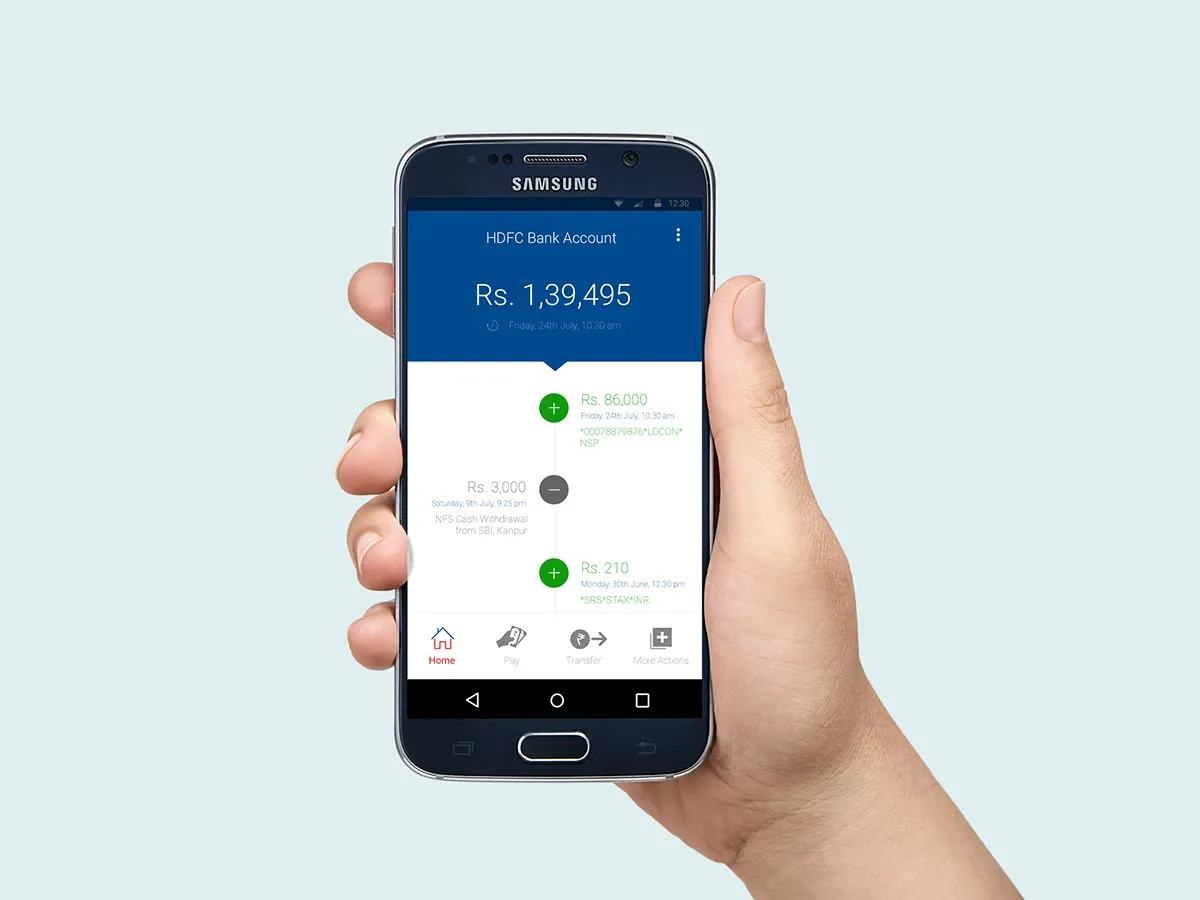
Mobile banking has transformed the way people manage their finances. Instead of visiting a bank branch for every transaction, customers can use their smartphones to access various banking services conveniently. The HDFC Bank mobile banking app helps customers manage accounts, transfer money, pay bills, and monitor transactions from almost anywhere.
For individuals exploring HDFC Apps, understanding how to download, register, and use the mobile banking app can make everyday financial activities simpler and more efficient.
How to Download the HDFC Bank Mobile Banking App
Downloading the official mobile banking app is a straightforward process. Follow these steps to get started:
- Open the Google Play Store on an Android smartphone or the Apple App Store on an iPhone.
- Search for the official HDFC Bank mobile banking app.
- Check the developer information to ensure the app is published by HDFC Bank.
- Tap the install or get option and wait for the installation to finish.
- Open the app and follow the on-screen instructions to begin registration or log in.
Users should download banking applications only from trusted sources. Avoid installing apps through unknown links or advertisements, as these may lead to fraudulent websites or harmful software.
How to Register and Set Up the App
After installation, open the app and follow the registration process. Keep your bank-registered mobile number active on your phone, as mobile number verification through SIM binding is required. Follow the instructions to verify your number and complete authentication using the details requested by the bank. You may then set up your login credentials or mPIN as instructed.
HDFC Bank
+1
How to Use the App for Easy Transactions
Once registration is complete, log in and explore the available services.
- Check account balances: View your account details and recent transactions.
- Transfer money: Use eligible services such as UPI, IMPS, or NEFT to send funds.
- Pay bills: Access available payment options for regular expenses.
- Manage financial products: View eligible credit card, loan, and deposit information.
- Monitor transactions: Review transaction records to help track your spending.
For UPI payments, follow the in-app setup instructions, verify your registered mobile number, select the eligible bank account, and complete the required activation steps.
Mobile Banking
+1
Benefits of Using HDFC Apps
One major advantage of HDFC Apps is convenience. Customers can handle many routine banking activities without visiting a branch. Digital transfers can save time, while account information and transaction records make it easier to monitor finances.
The mobile banking experience also includes security features designed to protect customers, including device binding and authentication controls. However, users should always verify payment details before confirming a transaction.
Essential Security Tips
To use the HDFC Bank mobile banking app safely, never share your OTP, PIN, password, or other confidential banking details. Avoid public Wi-Fi for sensitive transactions, keep your phone updated, and install banking applications only from official sources. If you notice an unfamiliar transaction, contact the bank through its official support channels immediately.
Conclusion
The HDFC Bank mobile banking app makes everyday financial activities more accessible by bringing essential banking services to your smartphone. From downloading and registering to transferring funds and paying bills, the process is designed to help customers manage their finances conveniently.
By exploring the features available in HDFC Apps and following recommended security practices, customers can make digital transactions easier, more organized, and safer.